
The guided tour
The guided tour is an interactive onboarding walkthrough within expoze designed to introduce new users to core platform tools and interface navigation upon initial login.
How to navigate and restart the walkthrough
Completing the initial tour
- Log in to expoze for the first time.
-
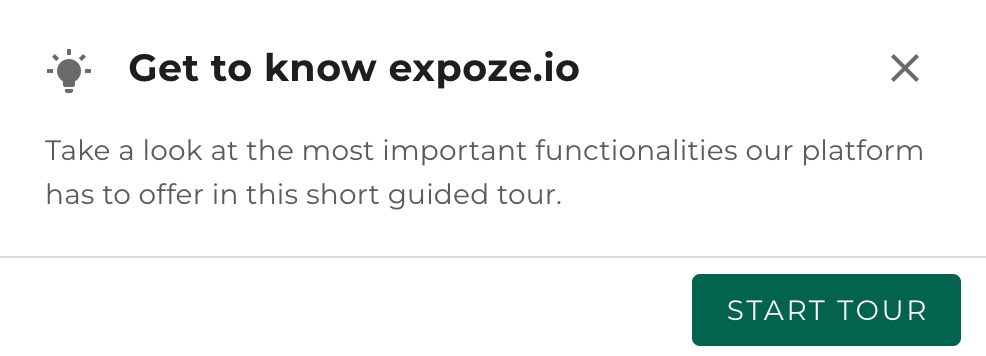
Click Start tour in the welcome pop-up window to begin the walkthrough.
-
Click Next or Previous to move through each feature overview at your own pace.[Insert Screenshot]
- Click Skip tour at any time if you prefer to exit the walkthrough early.
Restarting the tour
- Click your Profile icon located in the top-right corner of the navigation bar.
-
Click Guided tour directly from the dropdown menu to launch the walkthrough again.[Insert Screenshot]
💡Pro Tip
Encourage new workspace members to replay the Guided tour whenever they need a quick refresher on core platform features, eliminating the need for manual onboarding sessions.