
Supported file types
When uploading an ad to junbi, you can upload a direct video file. The platform accepts specific file formats and time limits to ensure your video can be properly processed and analyzed.
How to format and upload your video
- Click on Test new ad in your dashboard.
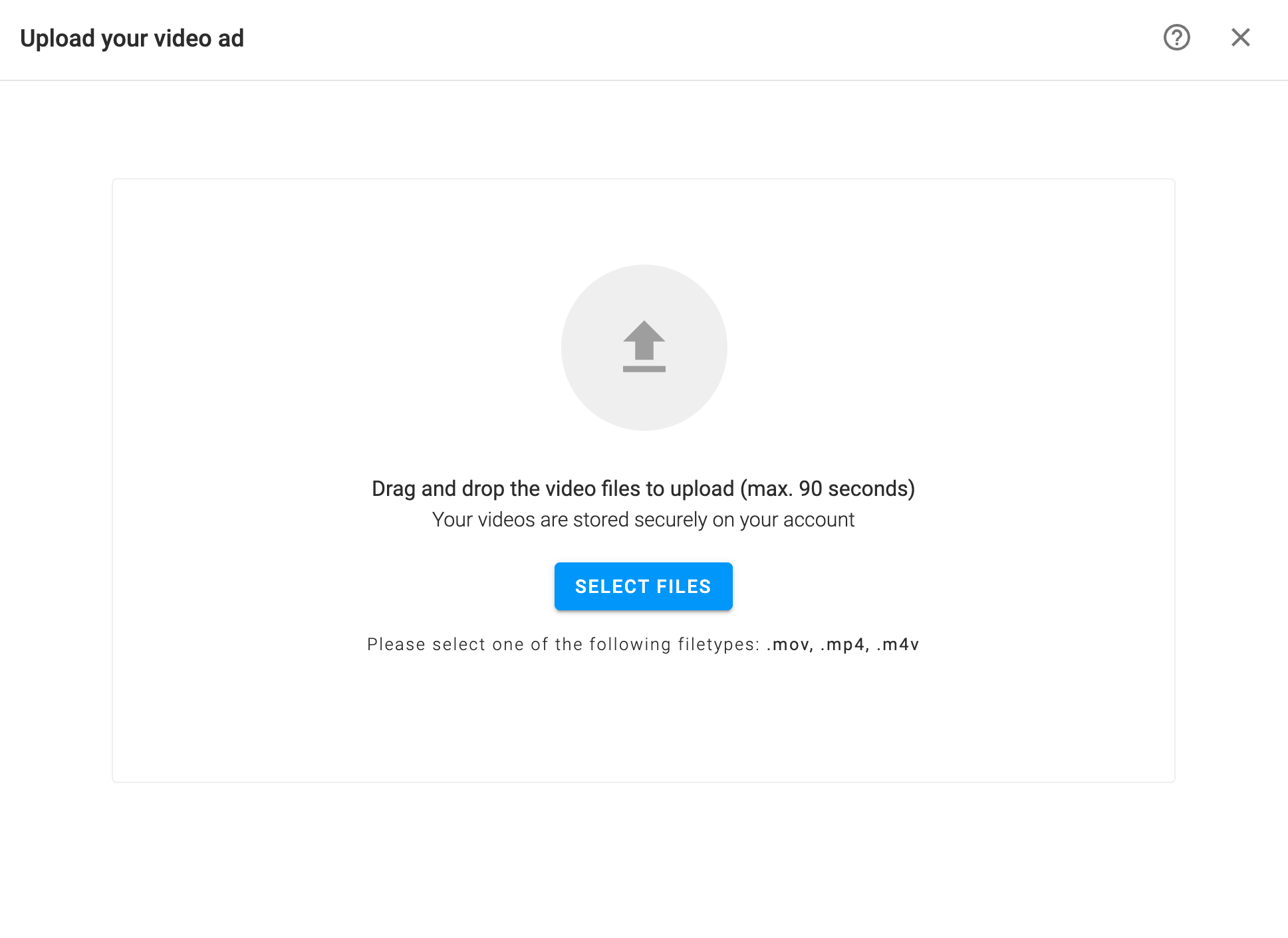
- Upload a file: Select a video from your computer. Accepted formats are .mov, .m4v, and .mp4.
-
Ensure your video duration is strictly between 5 and 90 seconds before uploading.
Why is there a 5 to 90-second limit?
junbi sets the 5 to 90-second limit because most YouTube ads in our benchmark fall within this specific range.
If an ad is shorter than 5 seconds, it is not well-represented in our dataset, so we cannot provide a reliable score. Similarly, if an ad is longer than 90 seconds, it exceeds the typical ad length, which could negatively affect the accuracy of your benchmark results. Sticking to this timeframe ensures you get the most meaningful insights from the platform.
💡 Pro Tip:
If your video is not saved as a .mov, .m4v, or .mp4, we recommend using a quick file converter to change it to an .mp4.