
How to use Iconic Brand Detection
For junbi to calculate your Brand Attention score accurately, the platform must detect every instance of your brand. Iconic brand detection uses advanced computer vision called segmentation to identify visual logos and brand marks. Please note that this feature is currently in Beta.
The Strategic Value
While human viewers easily recognize that an icon and a stylized word represent the same brand, computers process text and shapes differently. By using segmentation, the platform maps the exact pixel outline of your visual brand asset. This gives you a highly accurate prediction of your brand visibility compared to standard text detection.
Understanding the three types of logo detection
Depending on your brand guidelines and account setup, junbi offers three distinct ways to detect your brand inside a video.
-
Text-based: This detects purely text elements. The platform draws a standard bounding box around the word.
- Iconic: This detects a combination of iconography and text, or just the iconography alone. The platform draws a precise green shape surrounding the actual logo contours.
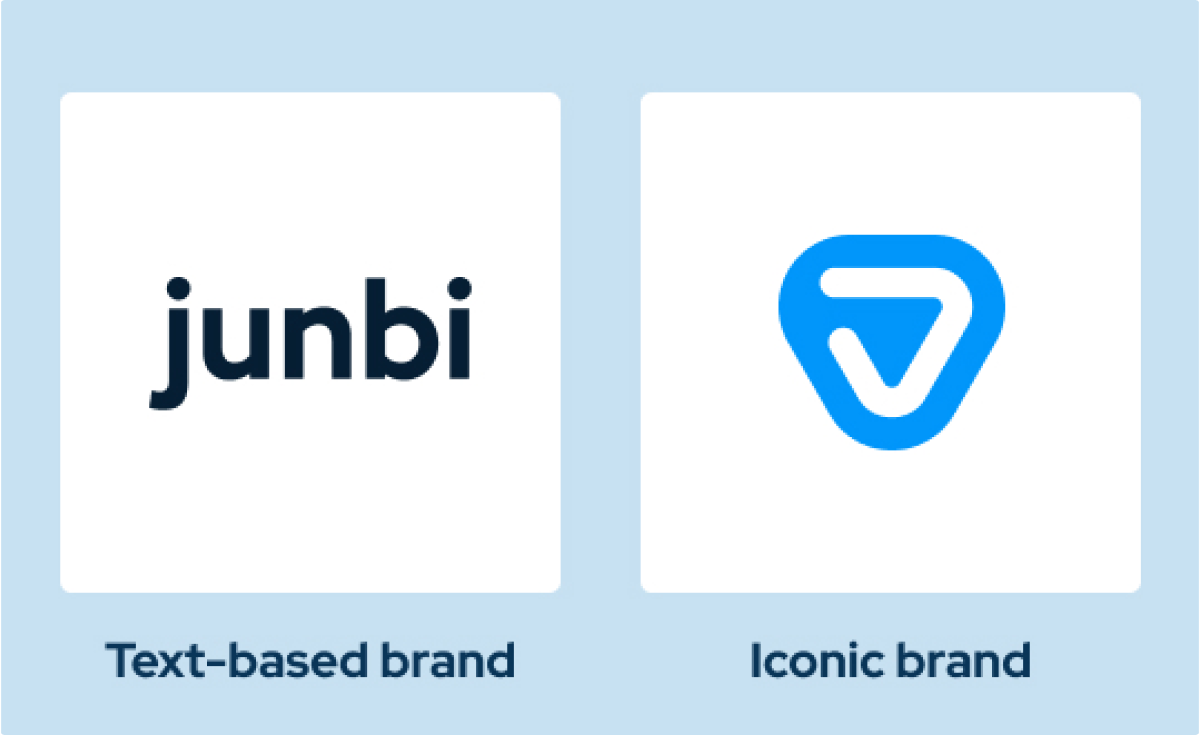
- Custom: This is a fully tailored model trained specifically on your unique brand inputs and assets.
How to use iconic brand detection
Follow these steps to apply the correct logo detection model to your ad.
- Upload your ad into the platform.
- Proceed to the step where you enter your ad details.
- Open the brand selection dropdown menu.
- Select the option with the sub-heading Iconic and text based brands. This ensures the platform runs the advanced visual model on your ad.
- If you only want to use standard text detection, simply select the text-based option from the list.
Missing brands and error reporting
Because setting up an iconic or custom model requires tailored training, changes must always be handled by our team.
- Missing brands: If your brand is not listed in the dropdown menu, or if you need a custom model built, you must contact your Customer Success Manager directly to request the addition.
- Reporting errors: Because the iconic detection feature is in Beta, it might occasionally miss an element or detect a false positive. If you spot an issue, please let us know
💡 Pro Tip
Choose the right tool for the job: If your primary logo in a specific ad is purely text, select the standard text-based option in the dropdown menu. Text detection is incredibly fast and highly accurate for wordmarks. Reserve the iconic option for videos where your visual symbol is the star of the show.