
How to change your email
Changing your email address in junbi is a quick and straightforward process. You can update the primary email associated with your user profile directly from your personal settings menu.
The Strategic Value
Keeping your contact information up to date ensures you receive important account notifications, platform updates, and critical security alerts without interruption.
How to update your email
Follow these specific steps to change your email address inside the platform.
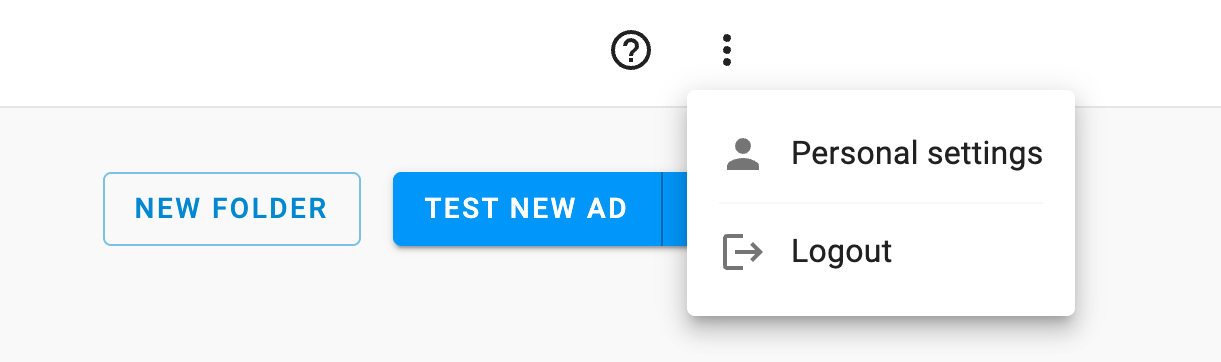
- Click on the menu icon (3 dots) located in the top right corner of the junbi interface.
-
Select the Personal settings menu item.
- Scroll down to the Change your email section.
- Type your current email address into the first field. This step is required to verify your identity.
- Type your desired new email address into the second field.
- Click the Save button. Your changes will be applied immediately.
Note: The platform will not apply the changes if your current email address is not entered exactly as it is currently registered.