
How to change your personal details
Keeping your personal details updated in junbi ensures your team knows exactly who they are collaborating with. You can easily update your first name, last name, and job title directly from your personal settings menu.
The Strategic Value
Accurate user profiles improve communication and organization within your workspace. When your team reviews the account overview, having correct names and titles makes it easier to manage platform permissions and track project ownership.
How to update your profile
Follow these specific steps to change your personal details inside the platform. Every user can access these settings to update their own information.
- Click on the menu icon (3 dots) located in the top right corner of the junbi interface.
-
Select the Personal settings menu item.
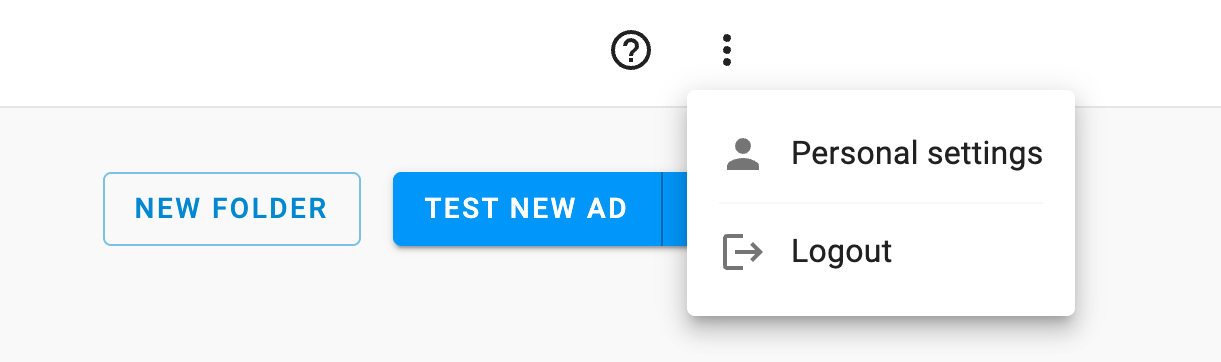
- Locate the fields for your first name, last name, and job title.
- Enter your updated information into the corresponding fields.
- Click the Update profile button to save your changes.
Keep in mind that your updated details will be displayed in the account overview. However, the account overview page will only appear if you have admin permissions on your account.
💡 Pro Tip
Keep your job title current: If your organization has many users working inside junbi, having an accurate job title helps your account administrator assign the correct platform permissions based on your actual daily role.