
How to activate your junbi account
When an organization subscribes to junbi, our team sets up your initial testing environment. Once this master environment is live, your organization administrator can add new team members. Every invited team member must formally activate their account through a secure email process before accessing the platform.
Step-by-Step Activation Workflow
- Locate your invitation email: Open your professional email inbox and look for an invitation sent on behalf of your organization administrator. If you do not see it within a few minutes, check your spam or junk folder.
- Click the secure link: Open the email and click the Activate Account button. This secure link is strictly valid for only 24 hours from the time it was sent.
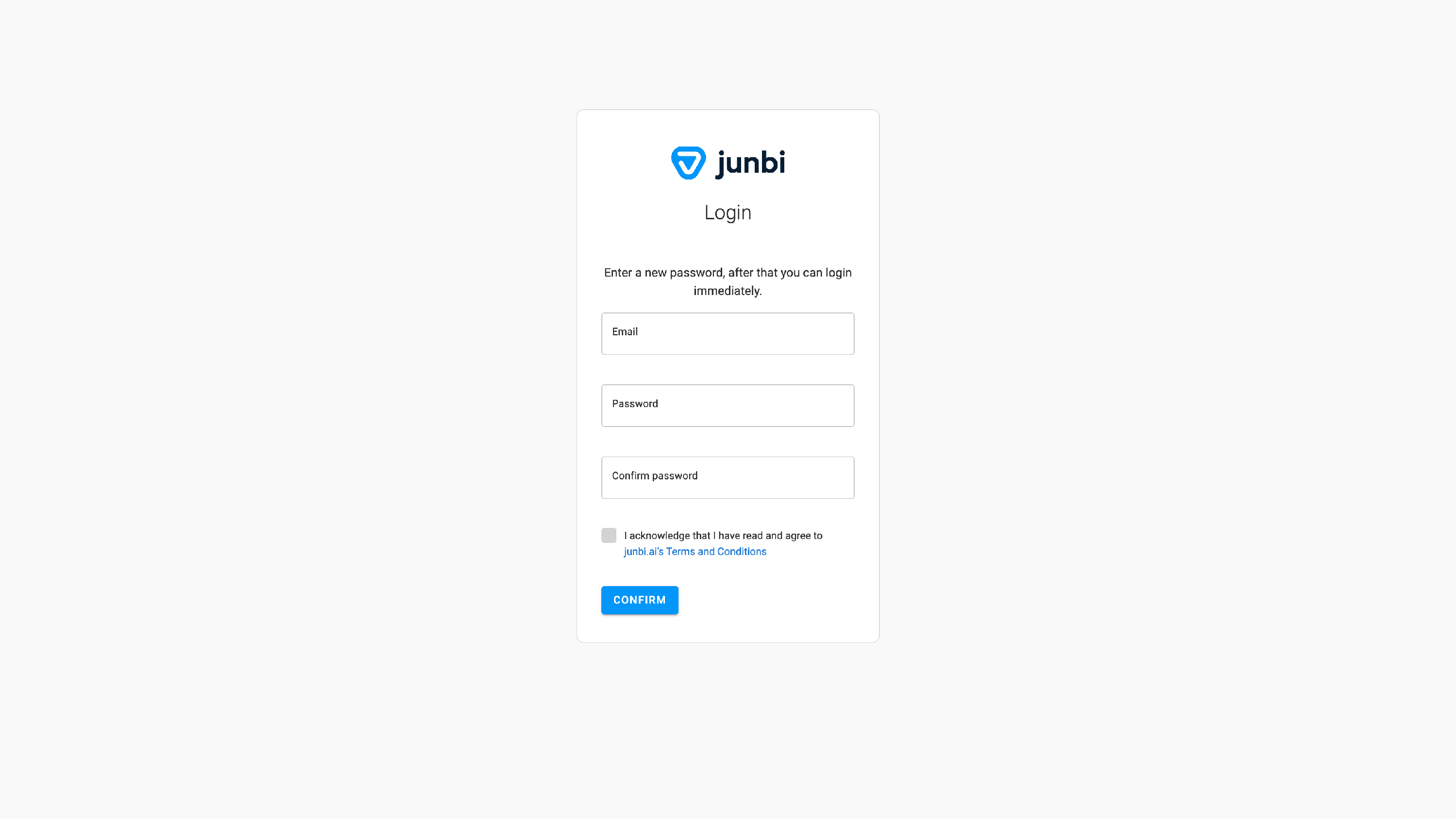
- Set up your security credentials: Once you click the link, you will be redirected to a secure sign-up screen. Enter your full name in the Full Name field and create a strong, secure password in the Password field.
-
Finalize your activation: Click the Submit button to complete your registration and instantly log into your new junbi workspace.
What to do if your link expires
Because our activation links automatically expire after 24 hours for data security reasons, you will need a new link if you miss the window. You have two ways to resolve this:
- Contact your administrator: Ask your organization account administrator to go to their team settings and trigger a new invitation email to your address.
- Reach out to support: Contact our team directly at hello@junbi.ai and we will gladly help you get your invitation re-sent.