
Cognitive Ease: Optimization Strategies
Cognitive Ease is a core metric in junbi that evaluates how easily the human brain can process and comprehend your video creative at any given second. When your ad has high Cognitive Ease, viewers can absorb your message effortlessly. If your score is low, it indicates that your visual presentation is too complex, cluttered, or fast-paced, which causes viewers to experience mental fatigue and tune out.
The Strategic Value
According to cognitive load theory, the human brain has a strictly limited capacity to process new visual information at one time. When a video contains too many competing focal points or rapid scene cuts, it overwhelms the viewer's cognitive bandwidth. By simplifying your visuals and pacing, you reduce this mental friction, making it much easier for viewers to understand and remember your core message.
Step-by-Step Optimization Workflow
-
Identify the dip: Open your tested video report on the dashboard and look at the Effectiveness drivers over time graph to find the exact timestamps where your Cognitive Ease line drops below the benchmark.
Locate the frames: Open your video editing software of choice and find those exact timestamps in your project timeline.
Simplify the visual layout: Apply targeted creative adjustments to those specific low-scoring frames. Try to focus on these key areas:
- Limit competing elements: Ensure each frame has only one clear visual focus point. Avoid overlapping logos, text, and products.
- Reduce rapid scene changes: Keep your scenes on screen long enough for the brain to register the details before transitioning.
- Maintain background continuity: Keep the setting consistent when cutting between shots to minimize mental adjustments.
- Avoid split-screen effects: Stick to simple, single-frame storytelling instead of displaying multiple competing videos side-by-side.
- Re-upload to verify: Export your revised video and upload it back to the junbi platform. Select the identical Ad Type and Viewer Mode during setup to ensure a scientifically accurate before-and-after comparison.
Visual Comparison
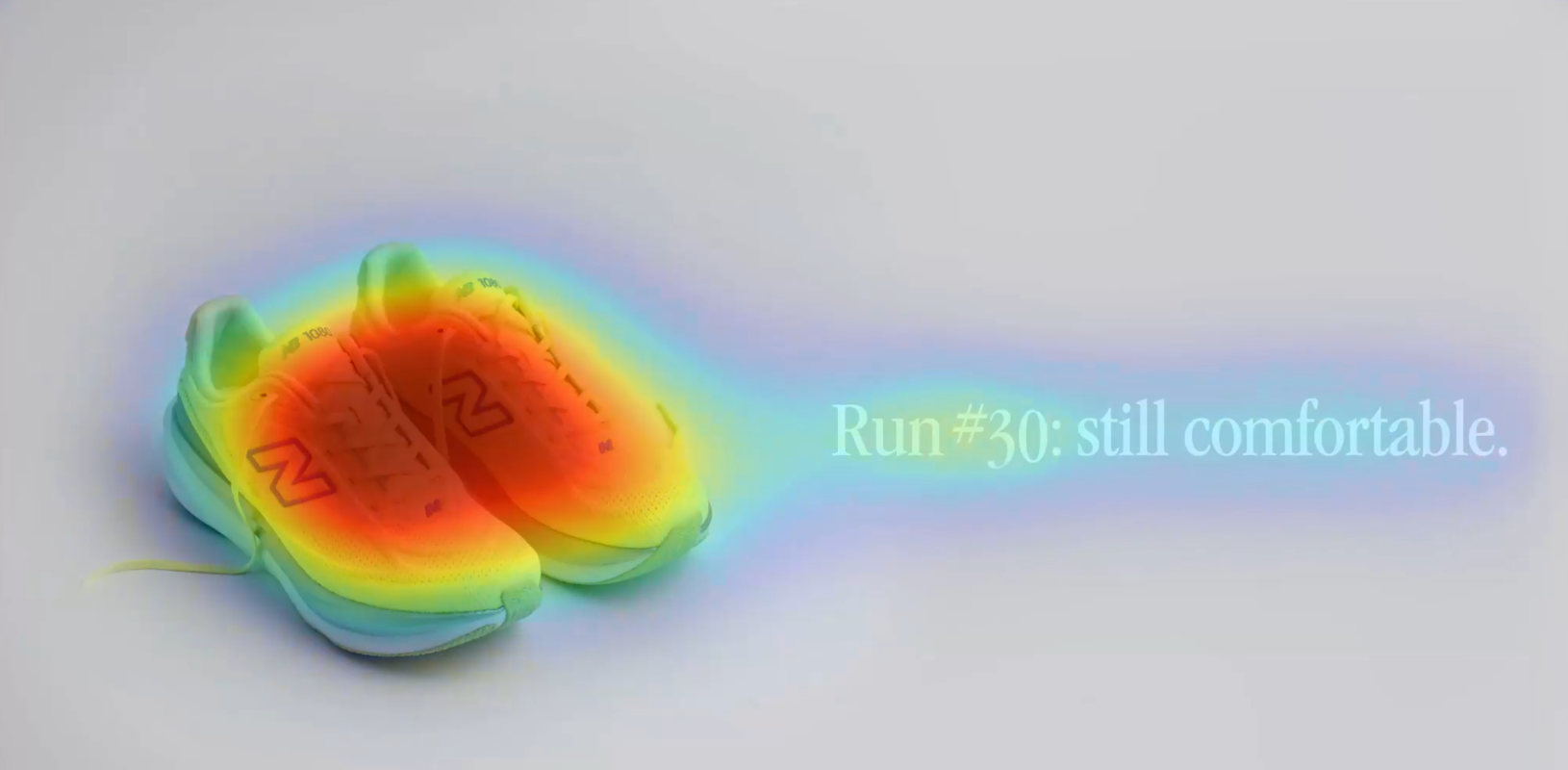
Good Example: A close-up shot of a product with minimal background distractions and steady pacing.
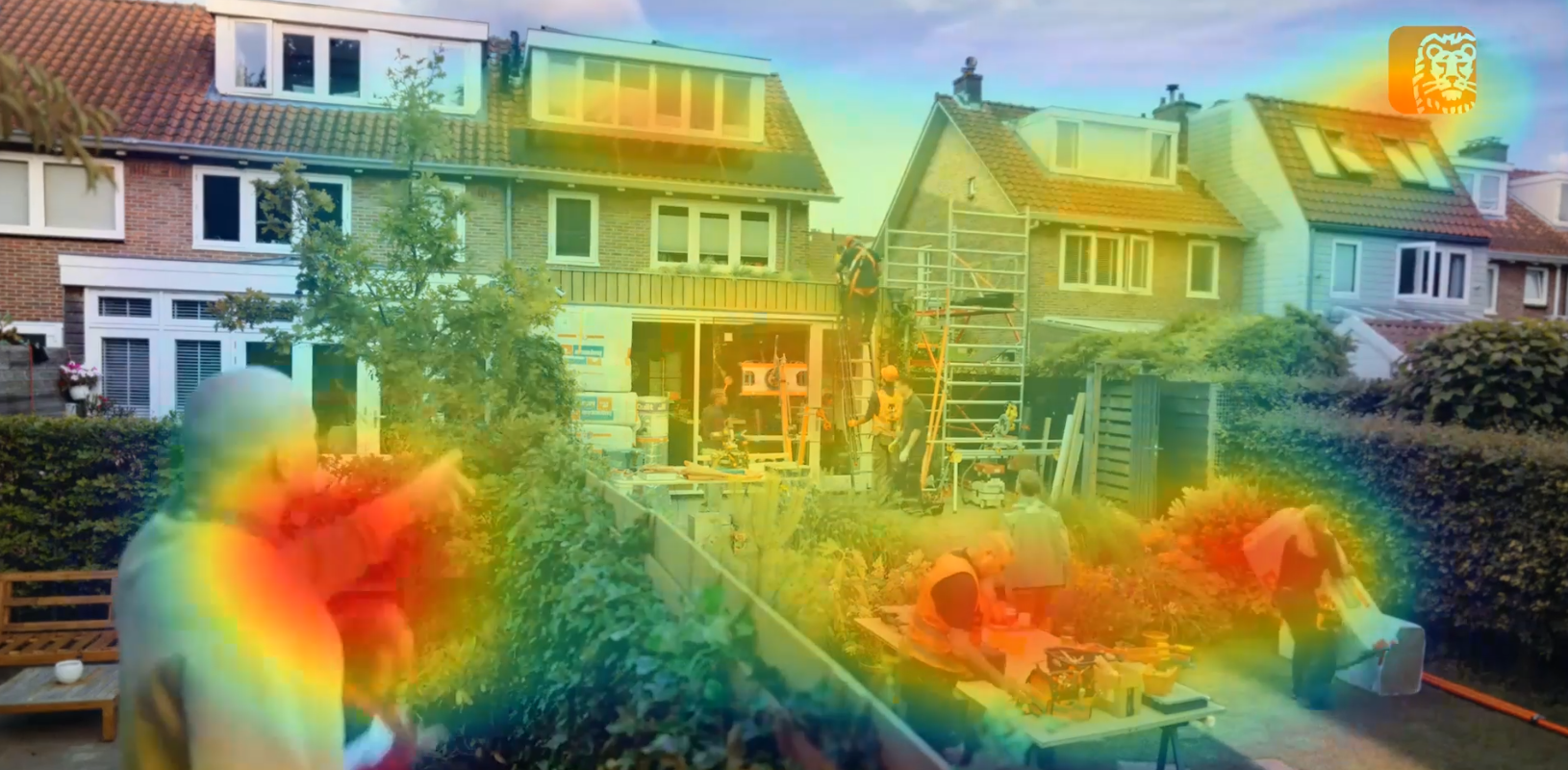
Poor Example: A fast-moving montage of multiple elements where text, products, and branding are all competing for attention.
💡 Pro Tip
Edit surgically. You do not need to re-shoot your entire campaign to fix a low score. Locate the exact two or three seconds where the timeline dips, simplify only those specific cluttered frames, and run a quick re-test to see your overall score rise.