
Can I test Facebook ads in junbi?
Testing Facebook video ads in junbi allows you to evaluate the Brand Attention and Cognitive Ease of your social video creative before launching your campaign. Although junbi benchmarks are derived from YouTube video environments, running your Facebook video through the platform evaluates how effectively your visual elements hold focus and whether viewers can process your message without cognitive overload.
The Strategic Value
Social media feeds move rapidly, which means viewers often scroll past content in a fraction of a second. Evaluating your Facebook creative in junbi ensures that your logo, product, and core message are clear, uncluttered, and capable of capturing immediate attention before a user scrolls away.
Step-by-Step Upload Workflow
- Format your Facebook video asset as an MP4, MOV, or M4V file.
- Navigate to your junbi dashboard and click the Upload ad button.
- Enter your ad details and select your brand name from the Brand Name dropdown menu.
-
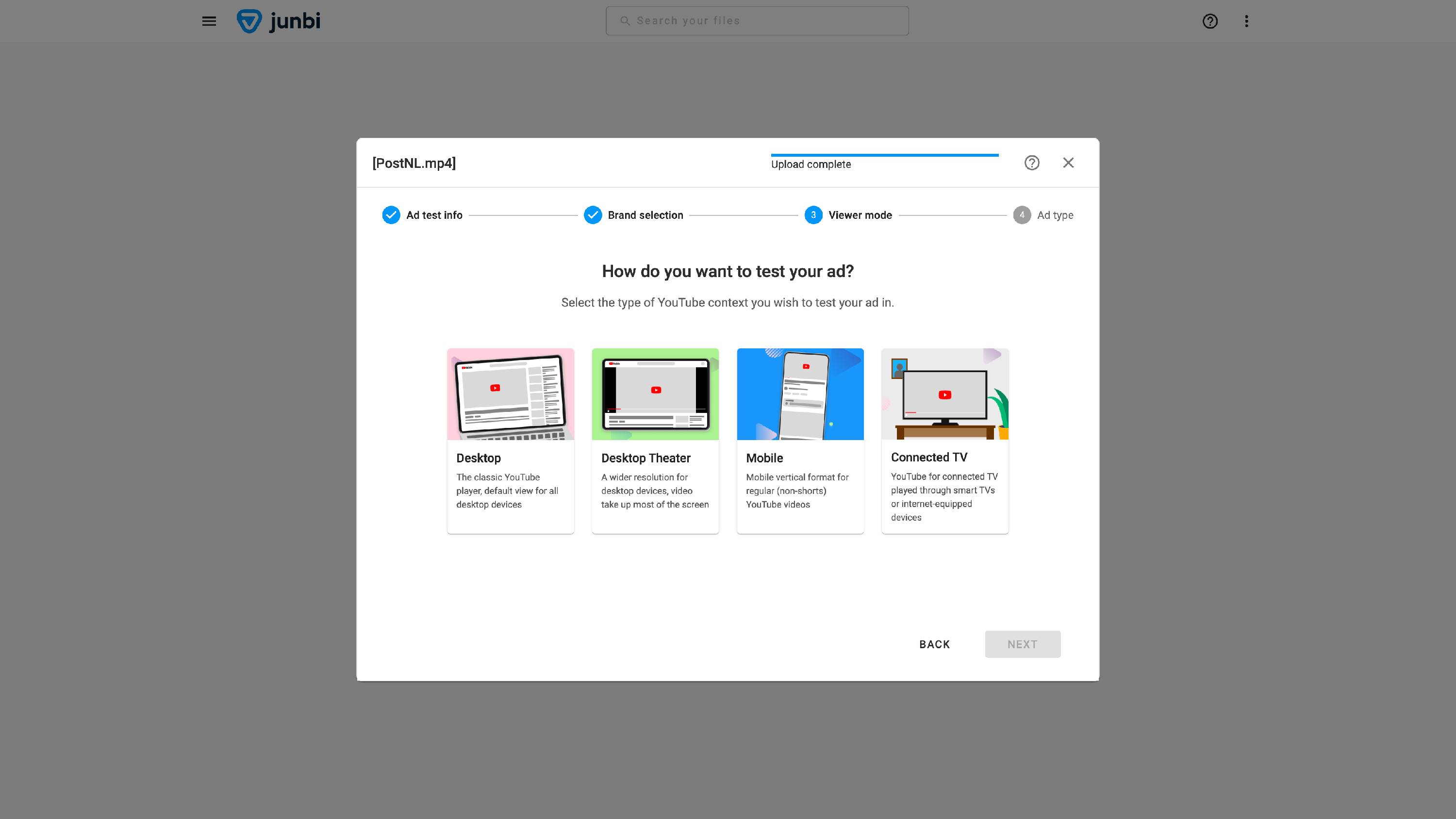
Select the intended viewer mode, for facebook we suggest to simulate the handheld screen experience where most Facebook browsing occurs through the mobile viewer mode.
- Select the ad type option that aligns best with your video length.
- Click the Run prediction button to begin analyzing your ad.
- Analyze your Brand Attention over time and Cognitive Ease over time metrics to verify that key brand elements appear cleanly in the critical initial seconds of your video.
Note: If you need to test static Facebook image feed mockups with user interface overlays, you can analyze static image files using expoze.
💡 Pro Tip:
Brand early and clearly. Because Facebook feed scroll-through happens rapidly, ensure your brand name or logo appears within the first three to five seconds of your video. Use your junbi second-by-second Brand Attention metrics to confirm that viewers actually process your branding before they have a chance to scroll past.